UI Selection#
The UI Selection property stores a reference to a UI on the Business Object. A Flow can read that reference and render exactly the UI the object points to, which lets one Flow serve object-specific forms.
Example: every production line is a Business Object, and each one carries its own inspection UI. The review Flow stays the same for all lines and renders the UI stored on the line that was selected.
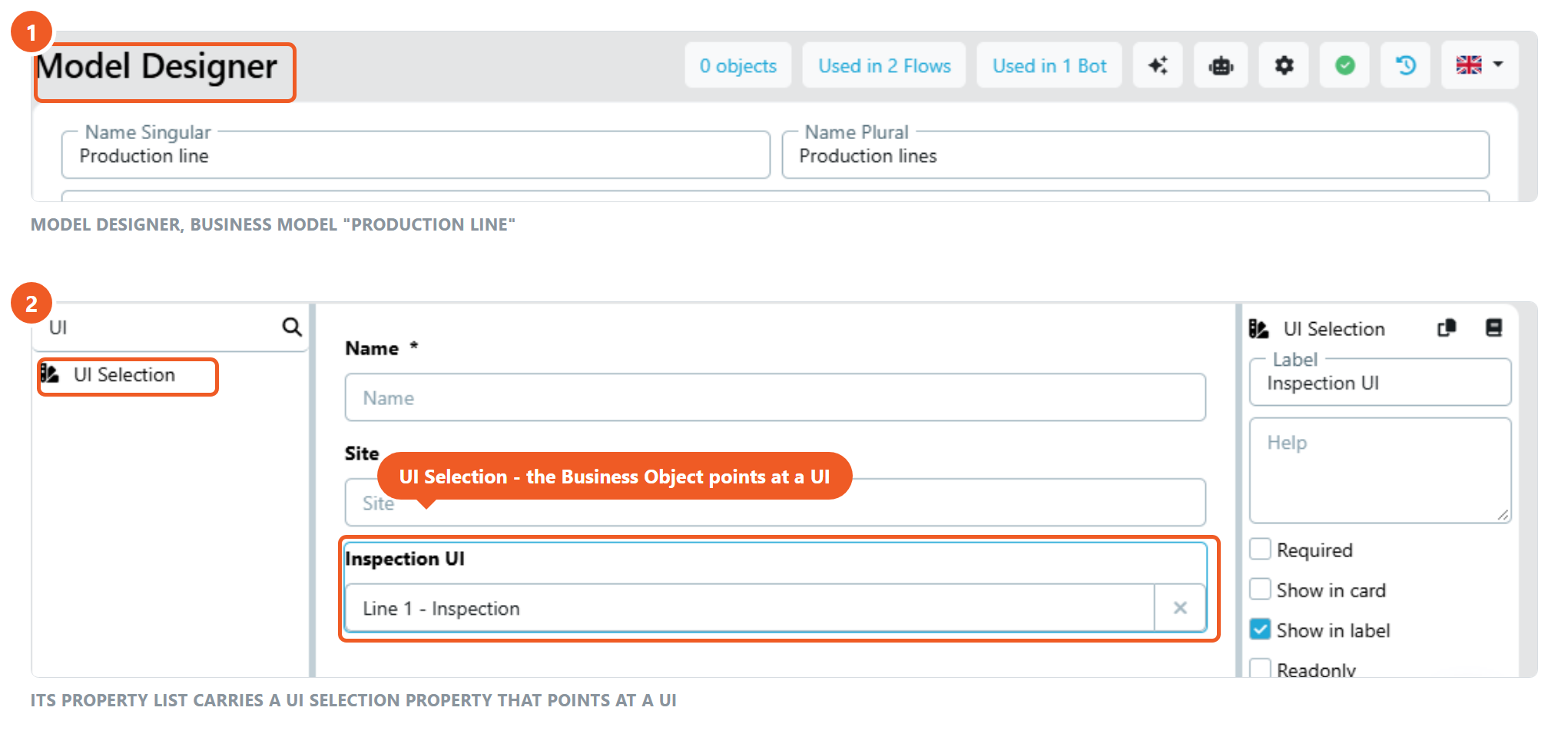
Two places carry the name UI Selection
This page is about the property in the Model Designer: the choice is stored on the Business Object and every Flow that reads the object can use it. The UI Selection element in the UI Designer is the other one: there the user picks a UI while a Flow run is open, and the choice belongs to that run.
Settings#
- Required: If checked, a UI must be selected before saving
- Readonly: If checked, the UI reference can only be set in a Flow (Object Create/Update node)
- Default value: Preselects a UI for newly created Business Objects
- Conditions: Configure when this property should be visible or required based on other property values
Using the stored UI in a Flow#
- Add the property to the Business Model and select the UI on the Business Object.
- Read the object in the Flow with an Object Get or Object Query node. The property arrives as a text variable holding the UI ID.
- Open the UI node that should show the variable UI, switch its UI field to variable mode with the chain icon, and pick that variable.
The Flow Run then renders the UI that is stored on the object. Users can produce the same value during a run with the UI Selection element.
Tips#
- Business Objects can be filtered by this property in the Business Object overview.
- With
ui.enforceUiAccessControlenabled, users without access to the referenced UI see a warning on the object. See UI Access Control.
See Model Designer