User#
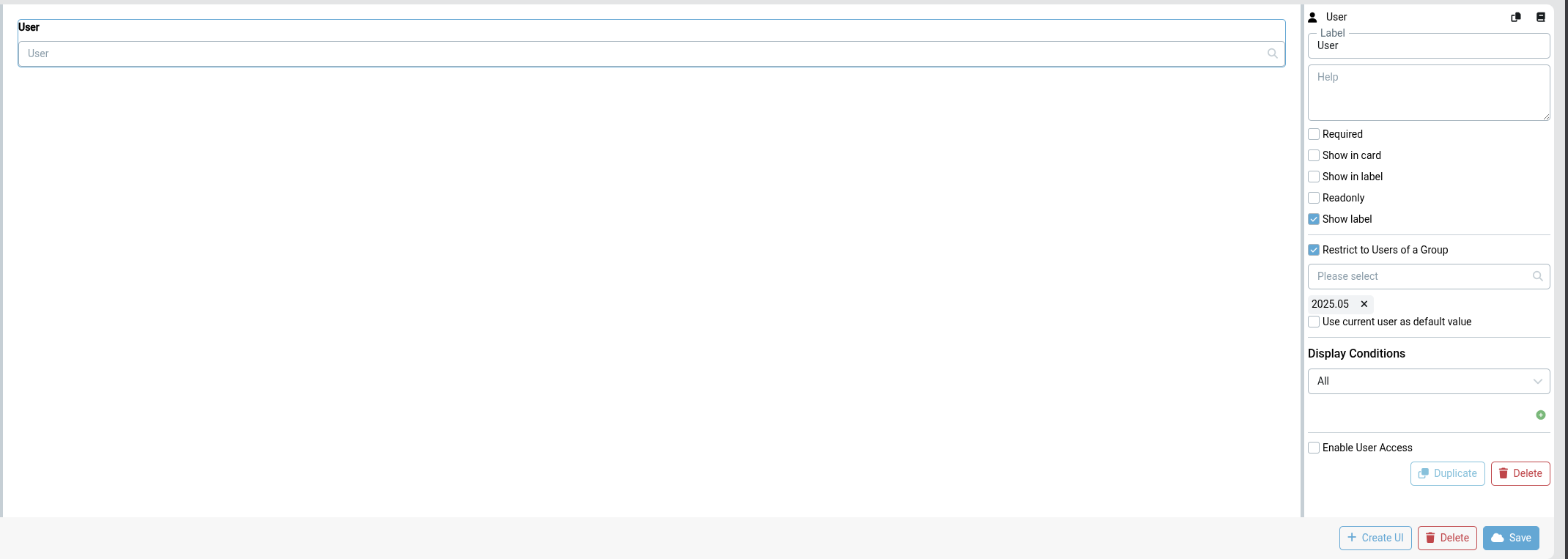
The User property stores a reference to a platform user or group, for example "Tobias Wagner" or "Workers Group".
Settings#
- Required: If checked, a user or group must be selected before saving
- Readonly: If checked, the value cannot be changed by users
- Use current user as default value: If checked, new Business Objects will automatically be assigned to the user who creates them
- Show in card: Display this property on the Business Object card in list/board views
- Show in label: Include this property in the Business Object display label
- Restrict to Users of a Group: If enabled, only members of the selected group(s) can be chosen for this property. The same restriction is applied everywhere the property is used — when picking a user, filtering, and aggregating in pivot views
- Conditions: Configure when this property should be visible or required based on other property values
Tips#
The User property value can be used as a task assignee in Flows or as a recipient in the Email node.
See Model Designer